Paparazzi AI Video Template
Upload a photo → red carpet with photographers, flashes and fans.
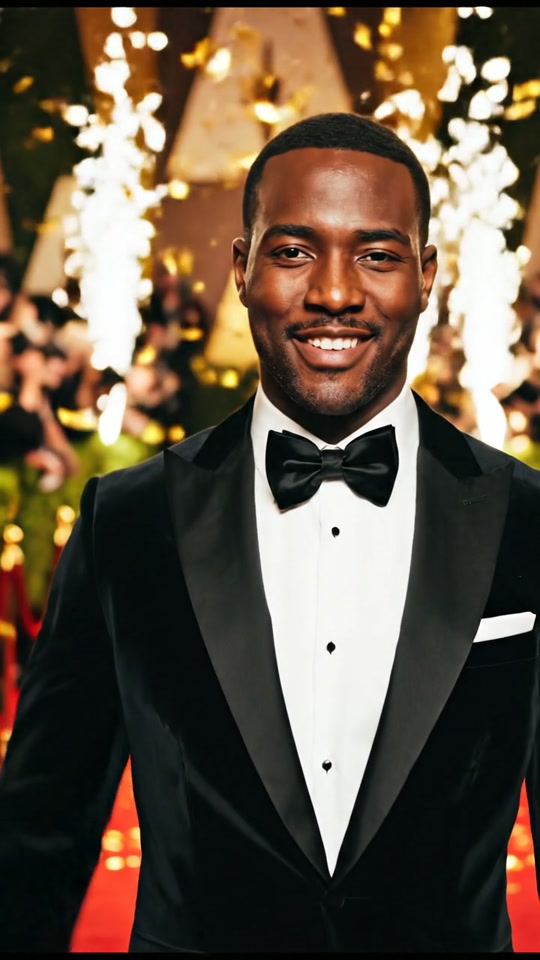
How it works
- Upload a clear photo with your face visible.
- Choose the video format (9:16 for TikTok, Reels and Shorts, or 16:9).
- Press Generate, then download or share your Paparazzi video.
Price
New users get their first video for $0.99 after signing up. After that, Avocadio uses Seed packs: 5 Seeds for $4.99, 20 Seeds for $12.99 and 50 Seeds for $24.99. The number of Seeds per video depends on the settings you choose, such as quality. Seeds never expire and are returned if a generation fails.
Questions
How do I make a Paparazzi AI video?
Open the Paparazzi template on Avocadio, upload a clear photo, pick the video format and press Generate. Your video is ready in about a minute and you can download or share it.
How much does the Paparazzi template cost?
New users get their first video for $0.99 after signing up. After that, Avocadio uses Seed packs: 5 Seeds for $4.99, 20 Seeds for $12.99 and 50 Seeds for $24.99. The number of Seeds per video depends on the settings you choose, such as quality. Seeds never expire and are returned if a generation fails.
Can I use a photo of someone else?
Only upload photos of yourself, or of people who have given you permission to use their photo.